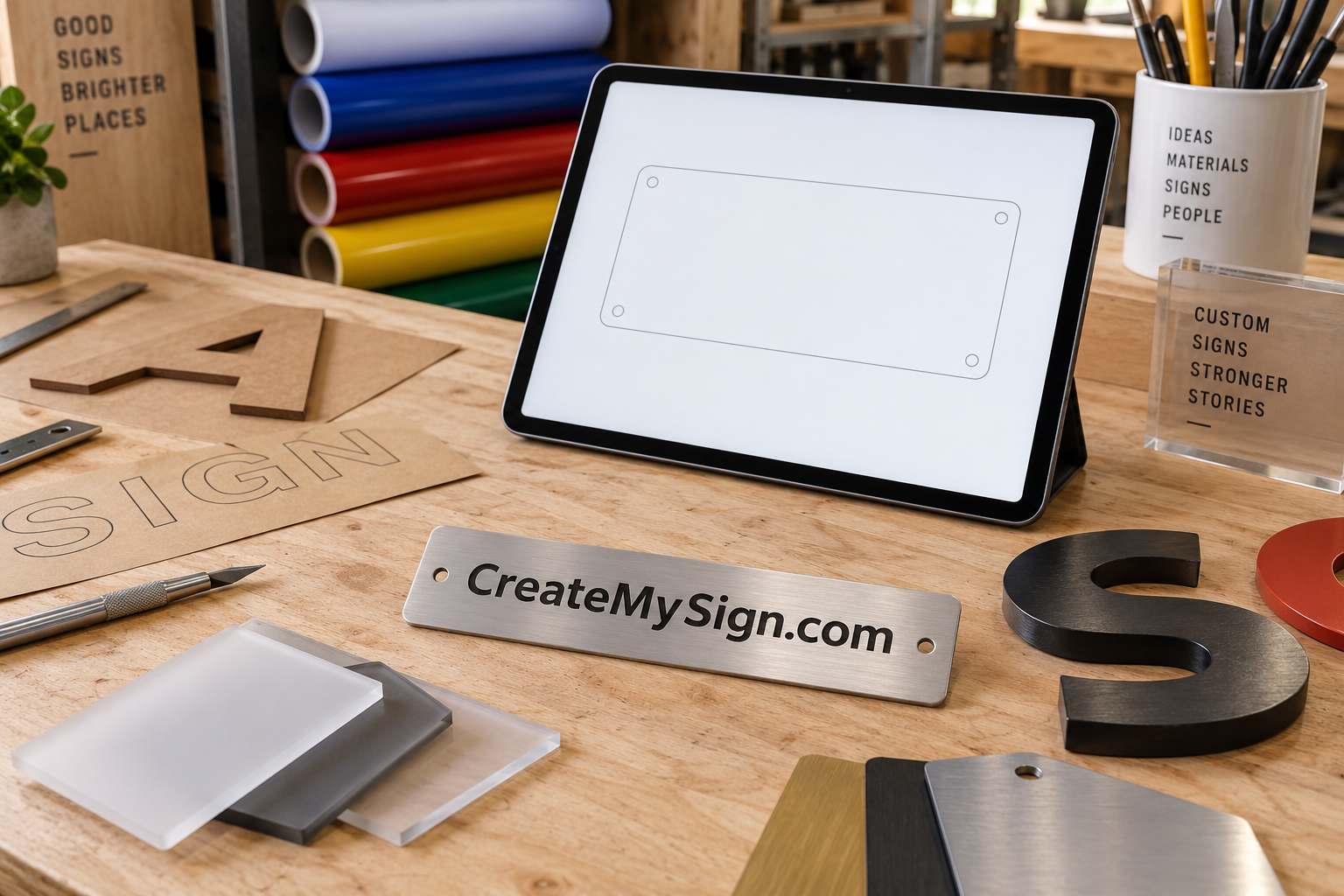
A customer who wants to make a sign online needs more than a blank canvas. They need boundaries that help a design become a physical product. CreateMySign.com could be the home of a focused configurator that connects customer choices to a sign a production partner can actually make.
This illustrative concept starts with one product family, a limited editor, and a dependable fulfillment arrangement. The phrase name fits the customer’s task naturally. The commercial challenge is making the choices understandable while keeping the artwork, material, and mounting details accurate enough for production.
Pick the first product before building the editor
A configurable interior business plaque is a more manageable starting point than every kind of sign. Choose a small number of dimensions, a few substrates, and a defined method for applying text or a logo. The editor can then show the consequences of those choices. A larger panel changes the available layout space; a different finish changes the appearance of the sample.
The first audience could be small businesses ordering reception or door plaques. They may arrive with a logo but no print-ready artwork. Build the flow around that reality. A customer should be able to add text, choose a layout, and request artwork assistance without feeling that a professional design application is required.
Design the limits as carefully as the controls
Every font, color, and size offered on screen creates a production obligation. If thin lettering cannot be cut cleanly in a selected material, the product needs a rule that prevents or flags it. If a logo contains small detail, the preview should not quietly imply that all of it will survive manufacture. Define those constraints with the fabricator before designing a large menu of options.
A useful editor keeps the current size and material visible. It provides undo, a clear way to replace artwork, and a readable summary before submission. Keyboard controls and explicit form labels deserve attention from the start. The W3C’s forms guidance is a practical reference for making input understandable, especially when errors need correction.
Color also requires an honest explanation. A screen preview helps a customer choose a direction; a physical sample helps confirm a finish. For a brand-sensitive order, offer an appropriate proofing step rather than treating the preview as a guarantee of exact color under every light.
Put human review where it prevents waste
A fully automatic purchase path may sound attractive, but some designs deserve review before release. A low-resolution logo, unusual mounting request, or ambiguous text layout can become an expensive mistake if nobody checks it. An early platform could accept a saved configuration and return a reviewed quote before taking an order.
The customer should know the status of that configuration. “Saved for review” and “approved for production” describe different commitments. Provide a final proof that records the actual wording, dimensions, finish, and fixing arrangement. The approval should refer to a specific version so that later edits do not become confused with the accepted design.
Build the relationship behind the interface
A production partner needs consistent files and predictable product definitions. Agree on artwork requirements, supported materials, packaging, and what happens when a piece is damaged. Discuss who handles a customer’s question when the answer requires manufacturing knowledge. A polished editor cannot compensate for an uncertain handoff between the platform and the workshop.
Use a small trial run to test the entire path. Place internal sample orders with deliberately different text lengths and artwork shapes. Check the generated file, the manufactured sign, and the package that arrives. Record where staff had to intervene. Those interventions show which rules or instructions the product still needs.
A worked customer journey
Consider a two-person consulting office ordering a reception plaque. The customer chooses a medium panel, enters the business name, and uploads a logo. The editor offers three layouts that keep the design within a safe area. A plain-language note asks whether the wall is painted, tiled, or another surface, with an option to request advice.
The design is saved and reviewed. The production partner flags a small line of text that would be difficult to reproduce, so the customer receives a revised proof with that line enlarged. Once the final version is accepted, the order moves forward with a stable specification. The package includes the agreed mounting components and care information. Each step answers a real uncertainty rather than adding another screen for its own sake.
Bring the first customers through a narrow door
A credible distribution path is a partnership with designers who serve new local businesses. Those designers already have the logo and understand the interior identity. A dedicated page for reception plaques can make the product easy to refer. The platform should show actual samples and clearly explain the sizes and finishes it supports.
Another route is useful search content that answers the questions customers ask before ordering. A guide to indoor and outdoor sign materials can help visitors decide whether the initial product is suitable. Keep those pages specific to what the platform can supply, and offer a clear exit when a job needs a specialist.
Evaluate the concept as a production business
Before acquiring a name for this direction, outline the first product, who manufactures it, and which decisions remain under human review. Estimate the staff time required to correct artwork and handle exceptions, not only the time needed to build the editor. A focused platform earns its usefulness through fewer surprises from design to delivery.
An inquiry about CreateMySign.com can describe the proposed product shape, the intended customer, and the status of the fulfillment relationship. The domain may support a larger catalog later. A first version with one well-understood product gives the business something concrete to test.